
If you're looking to build a smarter, more user-friendly website, explore https://codesurge.global/ for modern web development solutions tailored for Sri Lankan businesses.
In Sri Lanka’s growing digital space, if your business wants to stand out, it needs to connect with local customers in a more direct and helpful way. That’s where features like interactive maps, location-based services and local business tools come into play. From helping someone find your store to showing options based on their area, these simple tools make your website more useful and more profitable.
Whether you’re running a clothing shop in Colombo, a hotel in Kandy, or even a repair service in Jaffna, adding features like interactive maps, store locators and region-specific filters can turn a basic site into one that actually works for your users.
Why Local Features Matter in Web Development
Sri Lanka is made up of many different cities and regions, and people in each place have their own needs. Someone in Matara may be looking for a different product than someone in Kurunegala. That’s why it’s important to show the right content based on where users are.
Customers also expect faster answers when browsing online. Questions like “Where is your nearest branch?”, “Do you deliver to my town?” or “What services are available near me?” should be answered instantly.
If your website includes location-based features, local SEO optimization and user-friendly navigation tools, you’re already ahead of the competition.
Embed Interactive Maps for Better Navigation
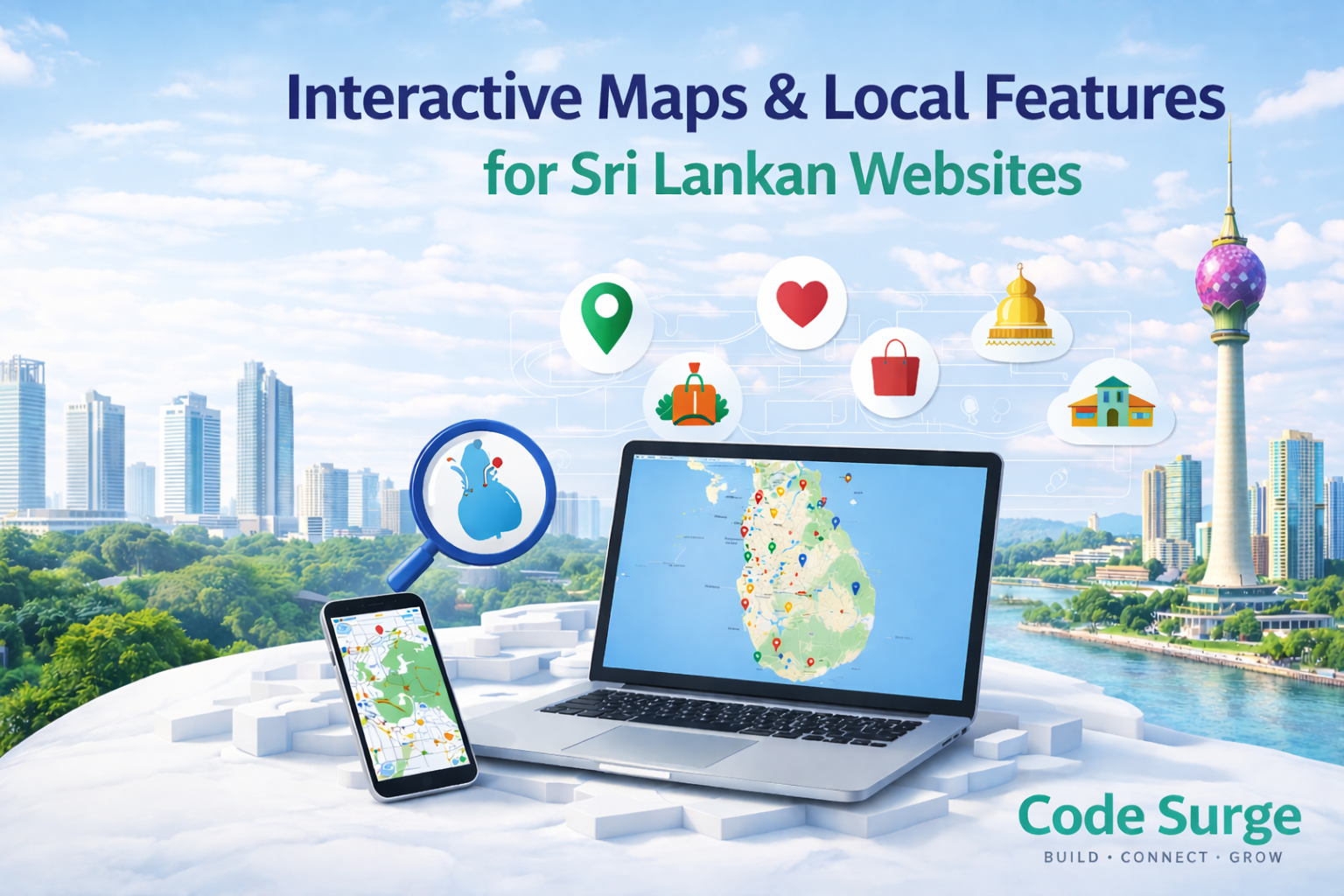
Adding a map is one of the easiest ways to improve user experience. Using tools like Google Maps integration or Leaflet.js, you can place an interactive map directly on your contact or location page.
Visitors can zoom in, check directions, view traffic or even use street view to identify your shop. This helps users find your business faster and improves customer engagement.
For businesses looking to implement these features professionally, platforms like https://codesurge.global/ can help integrate custom map solutions that match your brand and website design.
Use Store Locators for Multi-Location Businesses
A store locator is a must-have if your business has multiple branches. This feature allows users to search by city, district or postal code to find the nearest location.
For businesses like restaurants, clinics, supermarkets and delivery services, this improves both convenience and trust. It also reduces unnecessary phone calls and enhances your website conversion rate.
Modern web development services in Sri Lanka make it easy to integrate store locators even into small business websites.
Add Region-Specific Filters for Better User Experience
Imagine someone browsing an online shop from Trincomalee. They don’t want to see items only available in Colombo.
Region-based filtering systems allow users to view products or services available in their specific area. This improves the user experience (UX) and makes your website more relevant.
You can also apply this to services by allowing customers to filter options based on their location. This shows that your business understands local needs and improves customer satisfaction.
Local SEO Boost from Maps and Features
When you add maps and local tools, you also improve your SEO. Google favors websites that serve local users well. Using local keywords, clear addresses and proper structured data helps your business show up for searches like “grocery shop near Nugegoda” or “pharmacy in Gampaha.”
Pairing your website with your Google Business Profile gives you an even better shot at ranking for local search terms.
Conclusion
Whether you have one branch or ten, adding features like interactive maps, store locators, and region-based filters helps you build trust, improve website usability and increase conversions.
These tools are no longer optional, they are essential for modern Sri Lankan business websites.
Start simple. Add a map. Let users search by location. Provide relevant content. When your website becomes easier to use, your business becomes easier to choose.
For businesses ready to upgrade their websites with advanced local features, visit https://codesurge.global/ and explore professional web development solutions in Sri Lanka.