
When businesses invest in a website, mobile app, or digital product, two terms often come up: UI design and UX design.
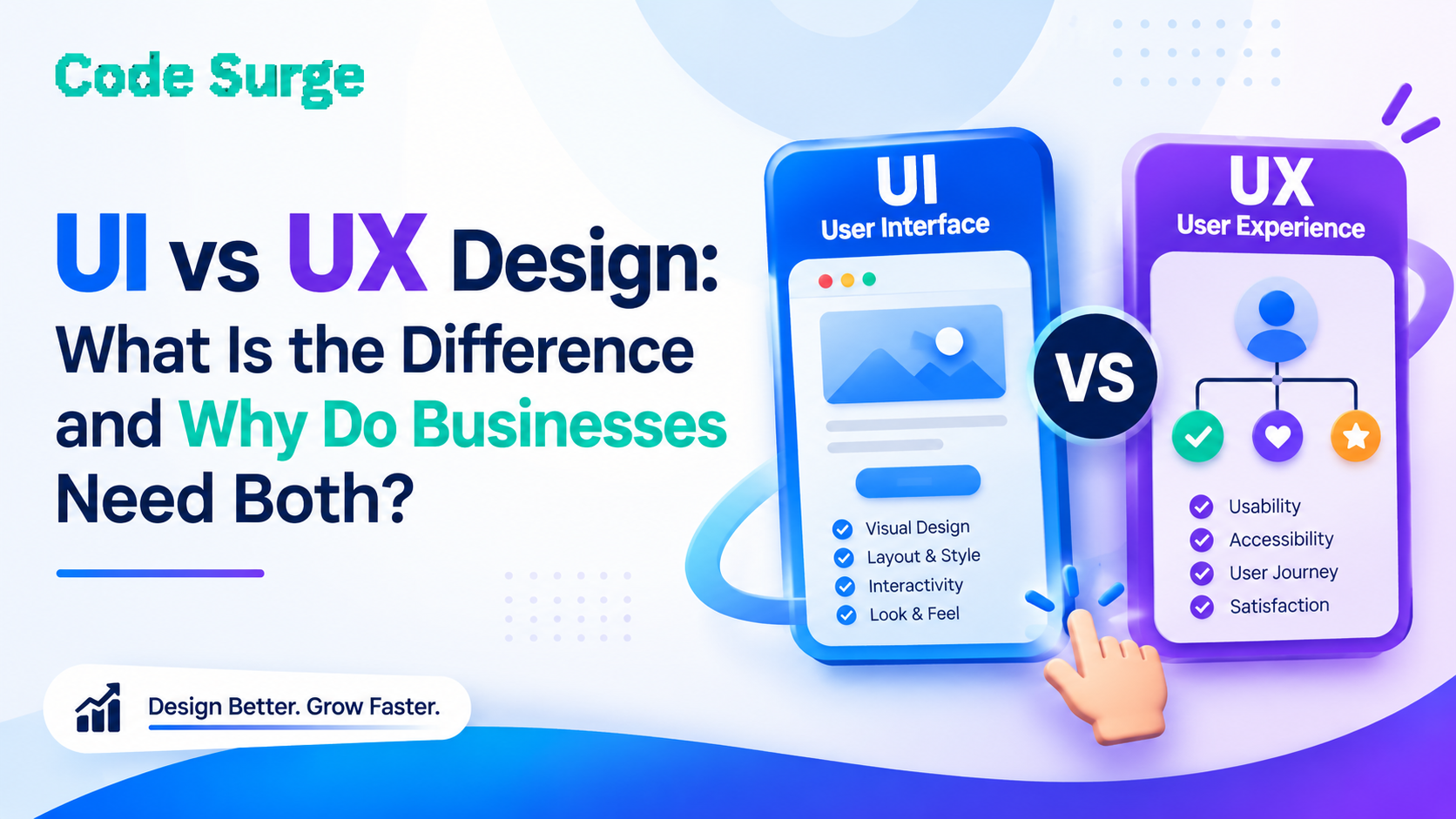
Although UI and UX are closely connected, they are not the same thing. UI (User Interface) design focuses on how a digital product looks and how its interface works visually, while UX (User Experience) design focuses on how the entire product works, feels, and guides users toward their goals.
A website can look modern and attractive but still be difficult to use. Similarly, a website can be easy to navigate but have an outdated or inconsistent visual design.
That is why businesses often need both UI and UX design to create digital experiences that are attractive, intuitive, accessible, and aligned with business goals.
What Is UI Design?
UI design, or User Interface design, focuses on the visual and interactive elements of a website, application, or digital product.
UI designers consider how users see and interact with elements such as:
-
Website layouts
-
Colours and visual styles
-
Typography
-
Buttons and calls to action
-
Navigation menus
-
Icons
-
Images and graphics
-
Forms
-
Cards and content sections
-
Mobile and desktop layouts
-
Interactive elements and states
The main purpose of good UI design is to make an interface visually clear, consistent, accessible, and easy to interact with.
For example, a business website may have excellent content and services, but if the buttons are difficult to identify, the text is hard to read, or the page layout is confusing, users may struggle to take the next step.
Good UI design helps make the interface easier to understand and interact with.
What Is UX Design?
UX design, or User Experience design, looks at the broader experience a person has when interacting with a website, application, or digital product.
UX design can involve:
-
Understanding user needs
-
User research
-
Information architecture
-
Website navigation
-
User journeys
-
User flows
-
Wireframes
-
Page structure
-
Usability
-
Content hierarchy
-
Conversion journeys
-
Mobile usability
-
Testing and improvement
The goal of UX design is to make it easier for users to accomplish what they came to the website or application to do.
For example, imagine an e-commerce website with an attractive interface. The products look great, but users cannot easily find categories, compare products, or complete checkout.
The visual design may be good, but the user experience needs improvement.
UI vs UX Design: What Is the Difference?
The simplest way to understand the difference is:
UI is focused on the interface users see and interact with. UX is focused on the overall experience users have while using the product.
|
UI Design |
UX Design |
|
Focuses on the visual interface |
Focuses on the overall user experience |
|
Colours, typography and layouts |
User journeys and flows |
|
Buttons and visual components |
Navigation and information architecture |
|
Visual hierarchy |
Usability |
|
Interactive states |
User research |
|
Visual consistency |
Problem solving |
|
High-fidelity interface designs |
Wireframes and user flows |
However, UI and UX should not be treated as completely separate activities.
They work together throughout the design and development process.
Why Do Businesses Need Both UI and UX Design?
A successful digital product needs more than an attractive appearance.
It needs to help users understand the information, navigate the website or application, complete tasks and take meaningful actions.
Here are some of the main reasons businesses invest in professional UI/UX design services.
1. Create a Better First Impression
Your website is often one of the first places potential customers interact with your business.
A professional interface can communicate your brand identity and make important information easier to understand.
Clear layouts, consistent typography, appropriate imagery and well-designed calls to action can make a digital experience feel more organised and trustworthy.
However, visual design alone is not enough. The website also needs to provide a smooth experience after the visitor arrives.
2. Make Websites Easier to Navigate
A website may contain dozens or even hundreds of pages.
If users cannot easily find the information they need, they may leave before contacting the business.
UX design helps businesses organise information logically through:
-
Clear navigation
-
Logical page structures
-
Useful categories
-
Internal user journeys
-
Search functionality
-
Clear calls to action
-
Easy-to-follow page flows
This is particularly important for service-based businesses where visitors may need to compare multiple services before making an enquiry.
3. Improve Mobile User Experience
A website needs to work effectively across different screen sizes.
A good UI/UX design process considers desktop, tablet and mobile experiences instead of designing only for a large screen.
Mobile UI design can include responsive layouts, readable typography, appropriately sized buttons, simplified navigation and forms that are easy to complete on smaller screens.
A mobile-friendly experience is also important because Google evaluates websites using mobile-first indexing.
4. Make Important Information Easier to Find
Good UX design helps businesses prioritise information according to user needs.
For example, a service page may need to communicate:
-
What the business offers
-
Who the service is for
-
Why the service matters
-
What makes the business different
-
How the customer can get started
UI design then presents this information using visual hierarchy, spacing, headings, buttons and other interface elements.
The result is a more structured experience for the visitor.
5. Support Website Conversions
UI and UX can also support the journey from visitor to enquiry, registration, booking or purchase.
For example, a business website may have a contact form, but users may abandon it if:
-
It asks for too much information
-
The form is difficult to find
-
The labels are unclear
-
Error messages are confusing
-
The call-to-action is difficult to identify
-
The form does not work properly on mobile
UX design considers the journey, while UI design makes the interaction clear and usable.
Neither UI nor UX guarantees higher conversion rates by itself, but a well-designed experience can remove unnecessary friction from important user journeys.
UI/UX Design and SEO: How Are They Connected?
UI and UX design are not substitutes for SEO, but good design can support a website's overall search experience.
For example, a well-structured website can make content easier for visitors to navigate and understand.
Important areas include:
-
Mobile usability
-
Page structure
-
Content hierarchy
-
Navigation
-
Internal linking
-
Readability
-
Page performance
-
Clear calls to action
-
Accessible interface elements
Google's public guidance on page experience considers factors such as mobile usability, Core Web Vitals, secure pages and the overall experience of visitors.
This means businesses should not think of SEO, web development and UI/UX design as completely isolated activities.
A strong digital project considers how these areas work together.
UI vs UX for Websites
For a business website, UI and UX can influence almost every stage of the visitor journey.
Consider a service-based company.
A potential customer may:
Search Google → Visit the website → Read a service page → Explore related services → Review the company → Submit an enquiry
UX design helps structure that journey.
UI design helps make every step of that journey visually clear and easy to interact with.
This is particularly important for businesses that depend on website enquiries and online leads.
UI vs UX for Mobile Applications
The same principle applies to mobile applications.
A mobile application needs more than an attractive interface.
Users should be able to:
-
Understand the purpose of the app
-
Navigate between sections
-
Complete tasks efficiently
-
Find important features
-
Receive useful feedback
-
Recover from errors
-
Use the application comfortably on a mobile screen
A strong mobile app UI/UX design process considers both the visual interface and the complete user journey.
What Does a UI/UX Design Process Usually Include?
A professional UI/UX project can vary depending on the type and size of the digital product.
A typical process may include:
1. Understanding Business Goals
The first step is understanding what the business wants to achieve.
For example, the goal may be to generate more enquiries, sell products online, increase registrations, improve an existing application, or launch a new digital product.
2. Understanding Users
Design decisions should be based on the people who will actually use the product.
This can involve analysing user requirements, existing customer behaviour, website data and common user problems.
3. Creating User Flows
User flows help map out how users move through a website or application.
For example:
Homepage → Service → Service Details → Contact → Enquiry
A clear flow can help reduce unnecessary steps.
4. Developing Wireframes
Wireframes provide a basic structure for pages and screens before detailed visual design begins.
They help teams determine where important content, navigation elements, forms and calls to action should appear.
5. Designing the User Interface
Once the structure is established, UI designers can develop the visual interface.
This may include:
-
Colours
-
Typography
-
Components
-
Buttons
-
Icons
-
Images
-
Layouts
-
Responsive designs
-
Design systems
6. Testing and Improving
UI/UX design should not necessarily end when the first design is completed.
Testing can reveal navigation problems, unclear content, usability issues and areas where users experience friction.
These insights can then be used to improve the design.
Common UI and UX Design Mistakes Businesses Should Avoid
Some common mistakes include:
Designing Only for Desktop
A website that looks good on a large monitor may still provide a poor mobile experience.
Focusing Only on Visual Appearance
An attractive website does not automatically provide a good user experience.
Complicated Navigation
If visitors need too many clicks to find important information, the website may lose potential customers.
Too Many Elements on One Page
Excessive animations, pop-ups, colours, buttons and competing content can make an interface difficult to understand.
Ignoring Accessibility
Design should consider readability, colour contrast, keyboard navigation and other accessibility requirements.
Treating UI and UX as the Same Thing
Although they work closely together, UI and UX solve different problems. Understanding both helps businesses create more complete digital experiences.
How to Choose a UI/UX Design Company in Sri Lanka
If you are looking for UI/UX design services in Sri Lanka, don't evaluate a provider only by how attractive its portfolio looks.
Consider whether the company understands:
-
Your business objectives
-
Your target audience
-
User journeys
-
Website and app usability
-
Responsive design
-
Conversion-focused design
-
Web development
-
SEO considerations
-
Technical implementation
It can also be useful to review previous projects and understand how the design process works from research and wireframes through to the final interface.
For businesses looking for a technology partner that combines design and development capabilities, Code Surge provides digital solutions including web solutions, mobile solutions and custom solutions.
You can also learn more about the company through the Code Surge About page or explore its technology and development capabilities.
Why UI and UX Design Should Work Together
UI and UX are not competing approaches.
UX defines how the experience should work. UI brings that experience to life through the interface.
A website can have beautiful colours, typography and animations, but if visitors cannot find what they need, the experience will still be frustrating.
Likewise, a website can have excellent information architecture and navigation but feel outdated or inconsistent if its interface is poorly designed.
The strongest digital experiences consider both.
Frequently Asked Questions About UI and UX Design
Is UI the same as UX?
No. UI stands for User Interface and focuses on the visual and interactive interface. UX stands for User Experience and focuses on the broader experience, including usability, navigation, information architecture and user journeys.
Which is more important, UI or UX?
UI and UX solve different problems, so they should not be treated as alternatives. Most websites and digital products benefit from both a usable experience and a clear, consistent interface.
What is UI/UX design?
UI/UX design refers to the combination of user interface and user experience design. It considers both how a digital product looks and how users interact with it.
Does UI/UX design affect SEO?
UI/UX design is not a replacement for SEO. However, good website structure, mobile usability, readability, navigation and performance can contribute to a better overall user experience and support other aspects of website quality.
Why is UI/UX design important for a business website?
Good UI/UX design can make it easier for visitors to navigate a website, understand services, find important information and complete actions such as contacting a business or requesting a quote.
Should businesses invest in UI/UX design for mobile apps?
Yes. Mobile applications require interfaces and user journeys designed around smaller screens and touch-based interactions. Good mobile UI/UX design can make the application easier and more intuitive to use.
Build a Better Digital Experience With Professional UI/UX Design
A successful website or application needs more than attractive visuals.
It needs a clear structure, intuitive navigation, useful content, consistent design and a user journey that helps visitors accomplish their goals.
That is why UI and UX design work best together.
If your business is planning a new website, mobile application, software product or digital transformation project, professional UI/UX design can help create an experience that is both visually engaging and easier to use.
Explore Code Surge's UI/UX design services to learn more about its approach to creating user-focused digital experiences.
For more insights about web development, digital solutions and technology, visit the Code Surge blog. If you have a project in mind, you can also contact Code Surge to discuss your requirements.